
Field mode: the technician’s phone.
A technician does not open a desktop application up a tower. He opens a page that tells him where to go, what he will find when he gets there, and what he has to bring back.
The day’s round, sorted by deadline
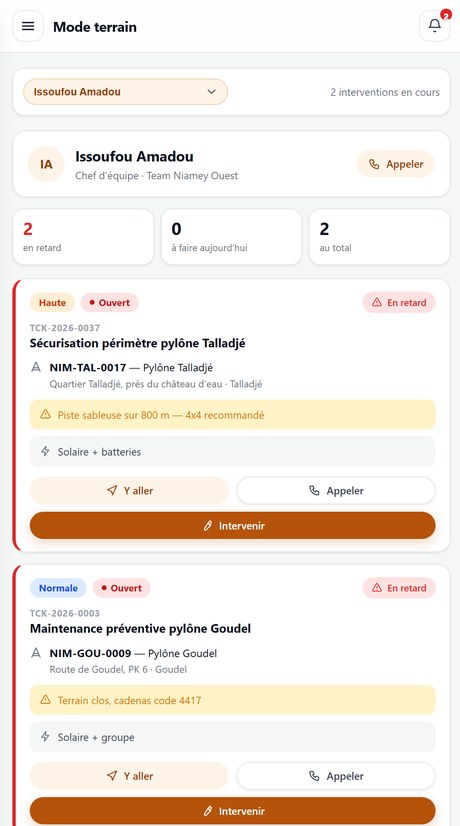
On opening, the technician sees his jobs, the most urgent first. No menu to explore, no filter to set: the screen opens on what he has to do today.
- Access instructions shown before setting off, not discovered at the gate
- The site’s power source and its last known incident
- Navigation and calling the customer contact in one tap
- An interface designed for one hand, gloves included
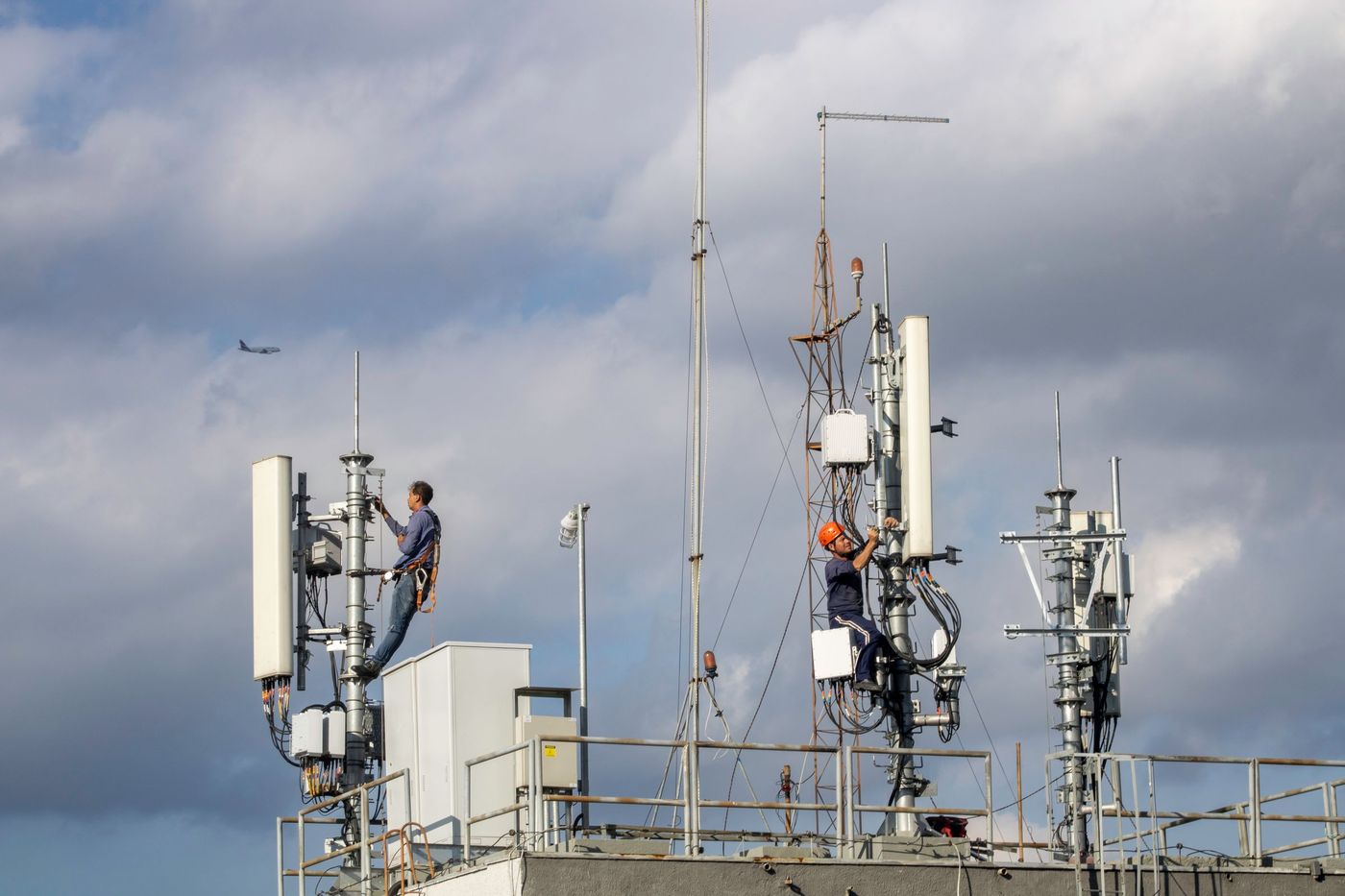
Record during, not back at the office that evening.
A report written three days later is an approximate report. Recording happens on site, while the equipment is still open: the procedure is ticked point by point, readings are entered, photographs go with the ticket.
The procedure, point by point
Every type of work carries its list. Critical points, safety and compliance, are flagged separately and are not ticked lightly.
Parts fitted
Whatever was replaced leaves stock the moment it is recorded. No inventory reconciliation at the end of the month.
Photographs
Before, after, and the rating plate. Compressed at capture so they travel on a weak link, and kept with the ticket.
The signature
The order is signed with a finger, on the phone, in front of the customer’s representative, at the end of the visit.
The network is a constraint, not a detail. The platform is written for a slow and intermittent mobile link: light pages, nothing loaded from outside, nothing waiting on a third-party service to render. What that means in practice.
Field mode works with no network.
This is the condition for the tool to be worth anything. A tower at the end of a track has no coverage, and the job is not going to wait. The technician works offline from the start of the visit to the end; everything syncs on reconnection.
What he takes with him
His round for the day, the access instructions, the power source, the site history and the procedures to apply. Loaded before departure, available on site.
What he can do
Tick the procedure, enter readings, declare parts fitted, take photographs, write his report and get the work order signed.
What syncs afterwards
All of it, automatically, as soon as a bar reappears or on return to the office. The technician has nothing to trigger and nothing to check.
If there is a conflict
If dispatch changed the ticket during the visit, the field entry is never overwritten: it is added, and the record moves to “needs arbitration” for a project manager to settle.
See the platform run on your own cases
An hour is enough: you open a request, assign it, close it and print the signed work order. Then we look at how your operation fits in: your customers, your sites, your contractual deadlines.